China Travel Apps 2026: Essential Apps for Foreign Visitors
A practical 2026 guide to essential China travel apps for payments, messaging, maps, translation, trains, ride-hailing, internet access, and offline backups.

travel better
On this page
Essential Tools
A practical app setup guide for payments, messaging, maps, translation, train tickets, ride-hailing, internet access, and offline backups before you land in China.
Quick Answer
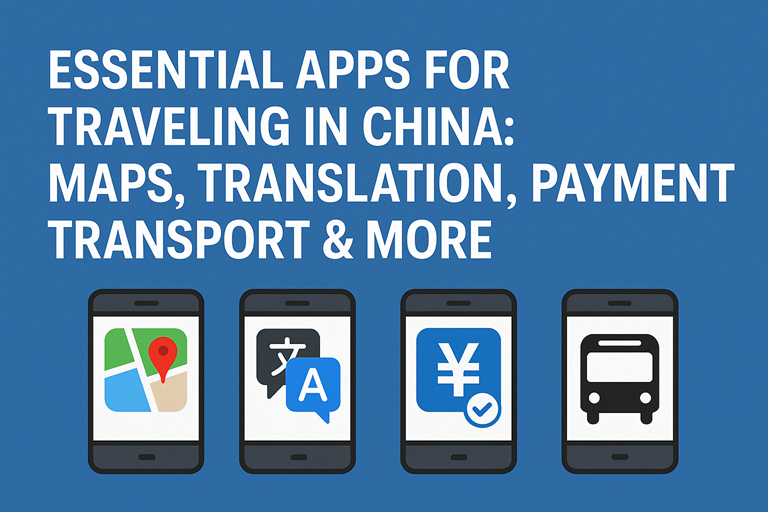
For most foreign visitors, the essential China travel apps are WeChat, Alipay, a reliable map app, a translation app with offline language packs, 12306 or a trusted train-booking option, your airline and hotel apps, and one prepared internet-access solution such as an eSIM, local SIM, roaming plan, or VPN/access tool if you rely on blocked services.
Do not wait until arrival to build this setup. Some app stores, provider websites, payment verification steps, and account recovery flows are harder to manage after you are already in mainland China.
Last checked: May 16, 2026. App features, payment verification, map data, internet routing, and transport booking flows can change. Treat this as a setup framework and confirm final details inside each app before you travel.
Set Up These Apps Before You Fly
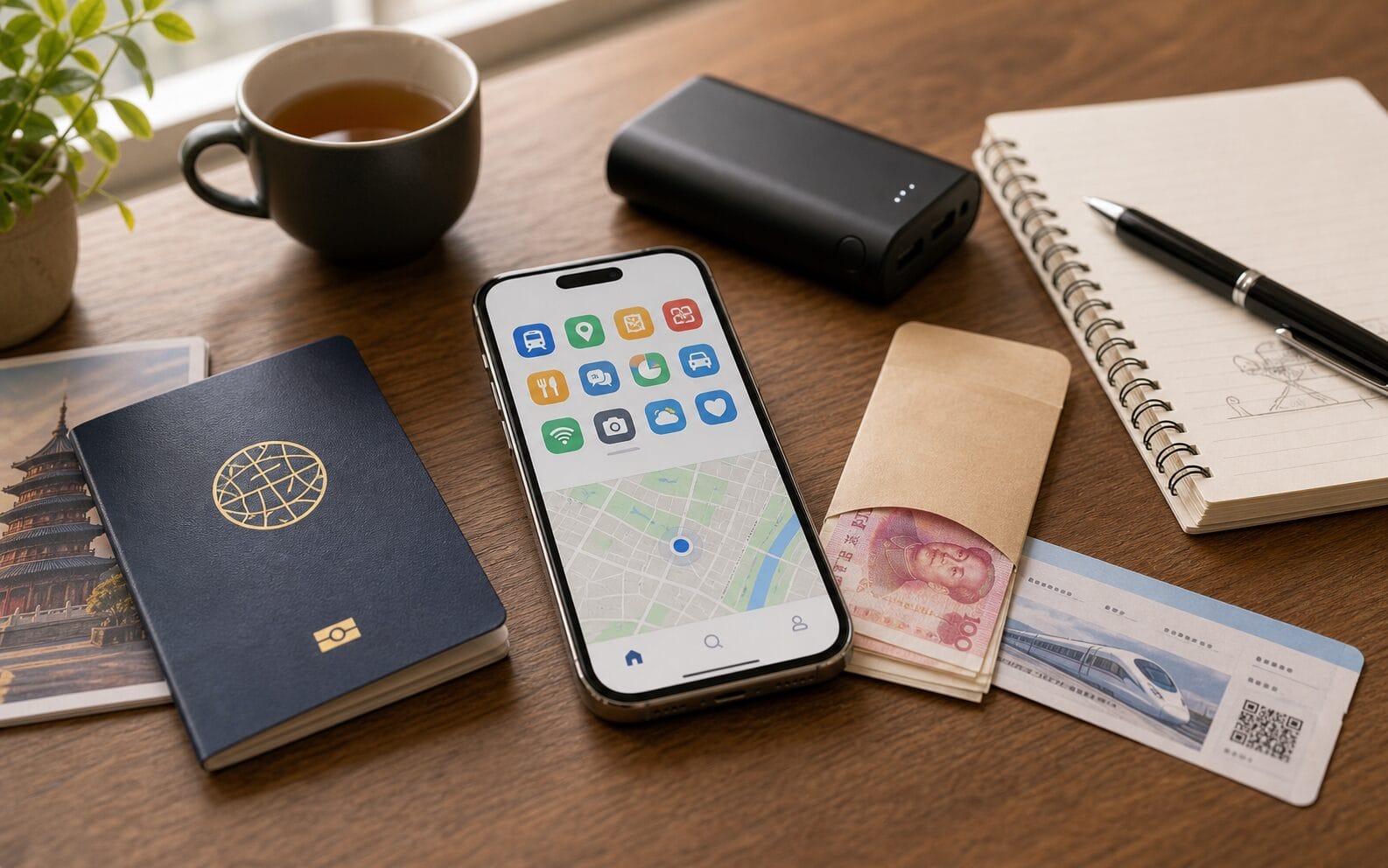
The best China app setup is not the longest app list. It is a small stack that covers the moments where travelers get stuck: landing without data, failing a payment, showing a hotel address, booking a train, calling a ride, or translating a message at a counter.
Install and sign in
- WeChat and Alipay.
- Map and translation apps.
- Your airline, hotel, and booking apps.
- 12306 or the booking tool you will use for trains.
- VPN/access tools if you need global services.
Save offline
- Passport copy, visa or visa-free/transit documents.
- Hotel names and addresses in English and Chinese.
- Flight, train, and insurance details.
- Emergency contacts and your embassy/consulate details.
- A screenshot of payment and SIM setup instructions.
If you are still building the whole trip plan, use this app guide alongside the first-time China planning guide, the China packing list, and the best time to visit China guide.
Internet Access: Prepare the Layer Before the Apps
Apps only help if your phone is online. The old advice was often “install a VPN first.” A more useful 2026 setup is layered: decide how your phone will get data, decide whether you need access to global services, and keep offline backups for your first day.
Data options
- A travel eSIM can be convenient if your phone supports it.
- A local SIM can be useful when you need a +86 number or longer-stay value.
- International roaming can be simple but may cost more.
- Hotel and public Wi-Fi should be treated as backup, not your only plan.
Access options
- If you rely on Google, Gmail, WhatsApp, Instagram, YouTube, or some news sites, test your access plan before departure.
- Do not assume one tool will work perfectly every day.
- Download installers and recovery codes before arrival.
- Keep offline maps, addresses, and translation packs ready.
For a deeper setup, compare the China eSIM guide, the local SIM card guide, and the VPN and internet access guide.
Communication: WeChat First, Then Backups
WeChat remains the most important communication app in China because it is used for messaging, group chats, business contacts, official accounts, mini programs, translation, and many daily services. Travelers may also use it for payments, though setup success can depend on verification, card support, and the current app flow.
Install WeChat before the trip and complete as much account setup as possible while you still have access to your usual phone number and email. If the app asks for verification, handle it early rather than at the airport. Keep a second communication path for important contacts, such as email, your hotel app, or your travel companion's phone.
Payments: Alipay, WeChat Pay, and a Backup Plan
China is highly mobile-payment oriented, but travelers should not rely on only one wallet. Install both Alipay and WeChat if possible, link supported international cards before arrival, and carry a backup card plus a modest amount of RMB cash.
The State Council's payment-service guidance for overseas visitors highlights multiple payment options, including mobile payments, bank cards, and cash. In practice, Alipay and WeChat Pay are often the easiest for daily spending, but merchant compatibility, card issuer approval, transaction limits, and fees can vary.
Install
- Alipay.
- WeChat, with WeChat Pay setup where available.
- Your card issuer's app for approval messages and fraud alerts.
Test
- Identity verification inside the app.
- International card linking.
- Small payment or top-up flow if available.
- Backup card and cash plan.
Use the full mobile payments in China guide and international card setup guide before departure. For cash backup, read the RMB and ATM guide.
Maps, Trains, Ride-Hailing, and City Transport
Navigation in China is easiest when you separate the job into three parts: city maps, intercity transport, and local rides. No single app is perfect for every foreign traveler, especially if you do not read Chinese.
Maps and local movement
- Install a map app that works reliably on your phone in China.
- Save hotel addresses in Chinese and English.
- Keep screenshots of nearby metro stations and station exits.
- For taxis or ride-hailing, use the exact Chinese address rather than a translated guess.
Rail and intercity travel
- Use the official 12306 English site or app where practical.
- Make sure your passport details match exactly.
- Save train number, station name, departure time, and arrival station offline.
- Arrive early at large stations, especially for a first train ride.
For train travel, pair your app setup with the China high-speed rail guide. For broader route choices, use domestic travel in China and the 10-day China itinerary.
Translation, Language, and Daily Problem-Solving
A translation app is not optional for most first-time visitors. It helps with menus, station signs, hotel counters, delivery messages, museum notices, and small problems that are too specific for a phrasebook.
Download offline language packs before departure. Test photo translation, voice translation, and text input. Keep a note with your hotel address, dietary restrictions, allergies, and emergency phrases in Chinese. If you have medical needs, prepare professionally translated names for medication and conditions rather than relying only on live translation.
For more depth, connect this setup with the offline translation tools and useful phrases guide.
App Stack by Travel Moment
Instead of thinking about apps by category, it is often easier to think about the exact moment you will need them. A first-time visitor does not need a phone full of unfamiliar Chinese apps. You need a small set that covers repeated travel situations.
At the airport
- Airline app for flight changes and baggage updates.
- Hotel app or booking confirmation with the address saved offline.
- Translation app for customs, taxi counters, and airport staff.
- eSIM, roaming, or SIM setup instructions saved before landing.
At the hotel
- WeChat for contacting the hotel, host, guide, or local friend.
- Map app with the hotel pinned in Chinese and English.
- Payment app ready for deposits, convenience stores, and nearby restaurants.
- Cloud storage or offline folder with passport, visa, and insurance copies.
At a train station
- 12306 or your booking platform with train number, carriage, seat, and station name.
- Passport details that match the booking exactly.
- Map app to confirm which station you are leaving from, because many cities have several major stations.
- Translation notes for “ticket gate”, “manual channel”, and “passport”.
At a restaurant or shop
- Alipay or WeChat Pay for QR payment.
- Translation camera for menus and labels.
- RMB cash backup if a small vendor cannot accept your wallet or card.
- Dietary notes in Chinese if you have allergies or restrictions.
This is also why your app setup should match your route. A city-only Shanghai trip, a Yunnan slow-travel route, and a 10-day Beijing-Xi'an-Shanghai itinerary do not need exactly the same app stack.
First 24 Hours: A Practical App Workflow
Your first day in China is where a weak app setup causes the most stress. You may be tired, your usual apps may not behave the way they do at home, and small mistakes such as saving the wrong hotel address can become expensive. Use this simple first-day flow.
Before landing
- Turn on your data plan or know exactly where you will buy a SIM.
- Screenshot the hotel name, address, and phone number in Chinese.
- Keep your payment app, card app, and translation app on the first phone screen.
- Save your first transport plan: airport express, metro, taxi, or ride-hailing.
After check-in
- Test a small payment at a convenience store or cafe.
- Pin your hotel in your map app and take a screenshot.
- Send a WeChat message to any local contact or hotel account you may need later.
- Download offline translation and map data while on hotel Wi-Fi.
Do not use your first evening to install ten more apps. Fix the essentials first: data, payments, maps, translation, and transport. Once those work, optional apps become easier to experiment with.
Apps Short-Term Visitors Can Usually Skip
China has a deep app ecosystem, but short-term visitors do not need to copy a resident's phone. Many apps are powerful only if you have Chinese language ability, a mainland phone number, a local bank card, or a longer stay. Installing too many of them can make the first trip more confusing.
Usually optional
- Apartment-rental and long-stay property apps.
- Complex shopping apps if you are not receiving deliveries.
- Local banking apps unless you have a Chinese bank account.
- Workplace or school apps that require mainland identity verification.
Use through mini programs instead
- Some restaurants, museums, attractions, and local services work through WeChat or Alipay mini programs.
- Mini programs can reduce the number of standalone apps you install.
- They may still require Chinese, payment setup, or a phone number, so test the flow before relying on it.
- If the mini program is confusing, ask the hotel desk or attraction staff rather than guessing through a payment screen.
The goal is a reliable travel phone, not a complete Chinese digital life. Keep the app stack small enough that you can actually use it under pressure.
Nice-to-Have Apps, Not First-Day Essentials
Some apps are useful but should not distract from the basic setup. Food delivery, attraction booking, museum mini programs, bike sharing, lifestyle apps, and local review apps can be helpful after you are settled. They are not the first thing to fix if your payment, data, maps, or train setup is not ready.
Useful after arrival
- Food delivery or local review apps if you can manage Chinese interfaces.
- Museum, attraction, or ticketing mini programs.
- Bike sharing where available and where payment works.
- Shopping apps for longer stays.
Use with caution
- Apps that require a mainland Chinese ID.
- Apps that require a +86 phone number when you only have data eSIM access.
- Apps with Chinese-only cancellation, refund, or support flows.
- Any app that asks for permissions you are not comfortable granting.
Security and Backup Checklist
Good app preparation also means reducing the damage if a phone is lost, a wallet fails, or a login code does not arrive. Before departure, update your phone, store recovery codes safely, turn on device tracking, and avoid keeping every important document only inside one app.
- Keep passport and visa/transit documents in cloud storage and offline screenshots.
- Give a trusted contact your itinerary and hotel list.
- Carry a backup card separately from your main wallet.
- Write down hotel addresses for the first two nights.
- Keep your phone charged during station transfers and late arrivals.
If this is your first arrival, also read the China customs and arrival guide before you fly.
China Travel Apps FAQ
What apps should I install before going to China?
Install WeChat, Alipay, a map app, a translation app with offline packs, your airline and hotel apps, and your train or transport booking tool. Also prepare an internet access option before departure.
Can I travel in China with only Western apps?
You can use some Western apps for planning and backups, but many daily tasks in China work better with local apps or mini programs. Also, some global services may not work normally without an access plan.
Do I need both Alipay and WeChat Pay?
Most travelers should install both if possible. One may work better for a specific merchant, mini program, card, or verification flow, and having two options gives you a practical backup.
Official and Related Guides
Enjoyed this article? Consider buying me a coffee to support more content like this!
💖 1 people have clicked to support this article.